
ShoalStack is now

ShoalStack is now
This blueprint includes a virtual machine, a WireGuard server configured on first boot, and a web
dashboard for adding devices, so you can run a private VPN endpoint of your own.
This blueprint provides a working WireGuard VPN server running on a virtual machine you control. The server is configured on first boot and comes back automatically when the machine restarts. Devices are added through a web dashboard. Create a client, scan the QR code with the WireGuard app, and the tunnel is live.
 A private VPN endpoint of your ownA starting point for secure remote accessA foundation for reaching private servicesA template for a fixed-address browsing route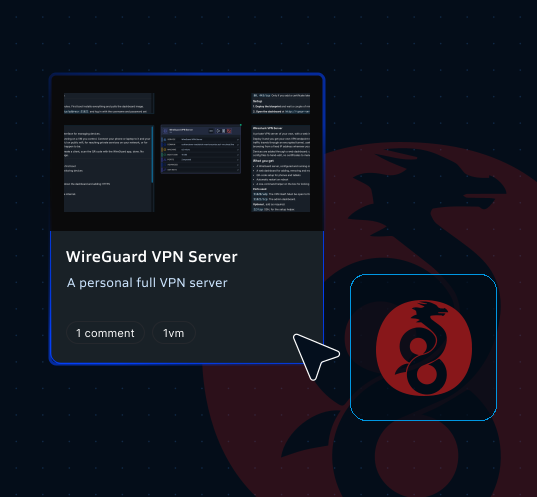
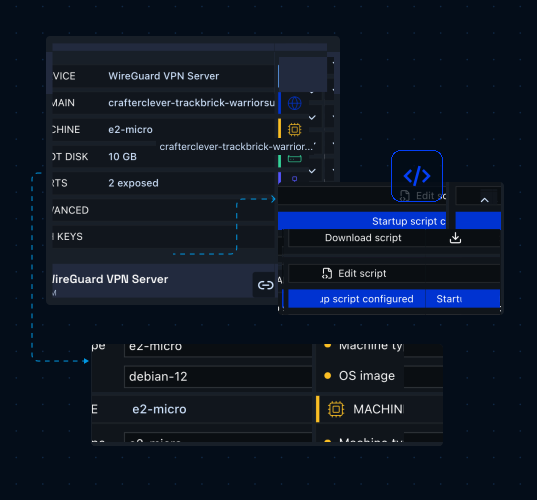
This blueprint contains a single VM node already configured to run the WireGuard VPN server, giving you a complete VPN endpoint you can customize for your own devices and settings. The machine is deployed into a GCP solution, with platform201 setting up the disk and the firewall rules.
Runs the VPN server on a GCE-backed machine with its own subdomain and a fixed public address.
Installs and starts WireGuard and the dashboard the first time the machine boots, with no setup of your own.
Adds, removes, and monitors devices from the browser, and generates a QR code for each one.
Opens the UDP port carrying the tunnel and the TCP port serving the dashboard, and leaves SSH available.
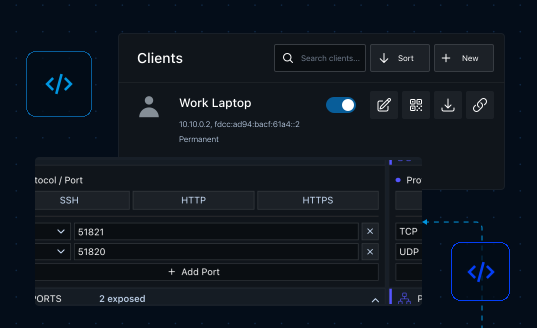
Use the WireGuard VPN Server blueprint to protect traffic on untrusted networks,
reach private services, or browse from a fixed address.
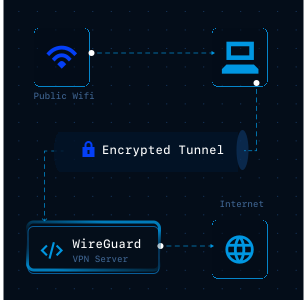
Send traffic through an encrypted tunnel on untrusted networks.
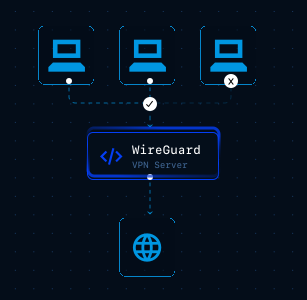
Reach internal services without exposing them to the internet.
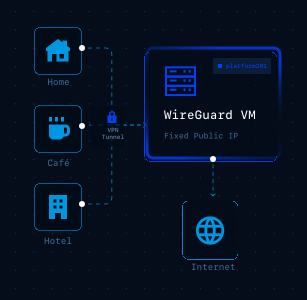
Browse from one consistent address wherever you are working.
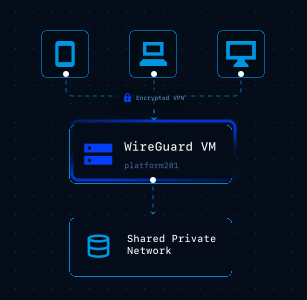
Give a small team their own devices on a shared private network.
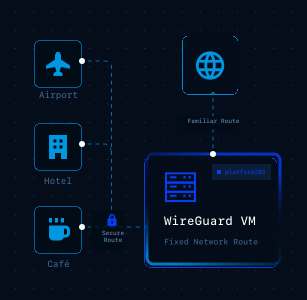
Keep a familiar network route while working away from the office.
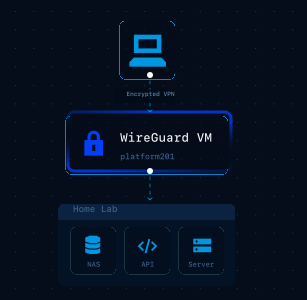
Connect back to the services running on your own hardware.
Move from a blank canvas to a running machine with a visual setup flow
that keeps configuration, ports, and deployment easier to manage.
Create a new project in platform201 to get started.
Open your environment and select Browse Blueprints to view available deployment templates.
Choose the WireGuard VPN Server VM blueprint to automatically generate the machine and its configuration.
Choose the username and password for the web dashboard before you deploy.
Click Deploy and wait a couple of minutes while first boot installs the server and pulls the dashboard image.
Open the dashboard, create a client, and give it a name such as iPhone or work laptop.
Scan the QR code with the WireGuard app, or download the config file and import it on a desktop client.
Run the setup helper over SSH to restrict the dashboard to your own address and add an HTTPS certificate.
Once deployed, platform201 starts the machine and the VPN server comes up on first boot, with the dashboard reachable on its own port. Run the setup helper from an SSH session to restrict the dashboard to your own address and add a certificate that renews itself. Both settings survive a reboot of the machine.
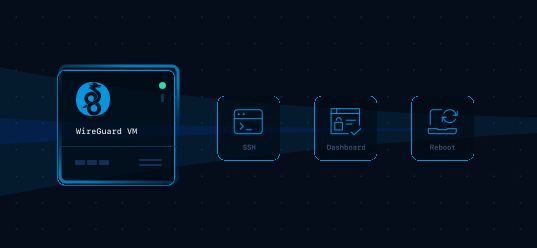

Start with a working WireGuard server, add your devices from the dashboard,
and deploy a private VPN endpoint without configuring Google Cloud manually.