
ShoalStack is now

ShoalStack is now
Start from a working Axum service that serves a page and a JSON API. It compiles to a single
binary, ships in a slim container, and sits behind a secure gateway from the first deploy.
Rust gives you a fast, memory-safe server. Shipping it is a different problem.
Multi-stage builds, matching base images, health checks, and HTTPS all need sorting before anyone sees your app.
This blueprint has already solved them. You get an Axum service that builds, deploys, and answers requests out of the box.
 A high-performance JSON APIA starting point for Axum servicesA foundation for Rust microservicesA template for webhook receivers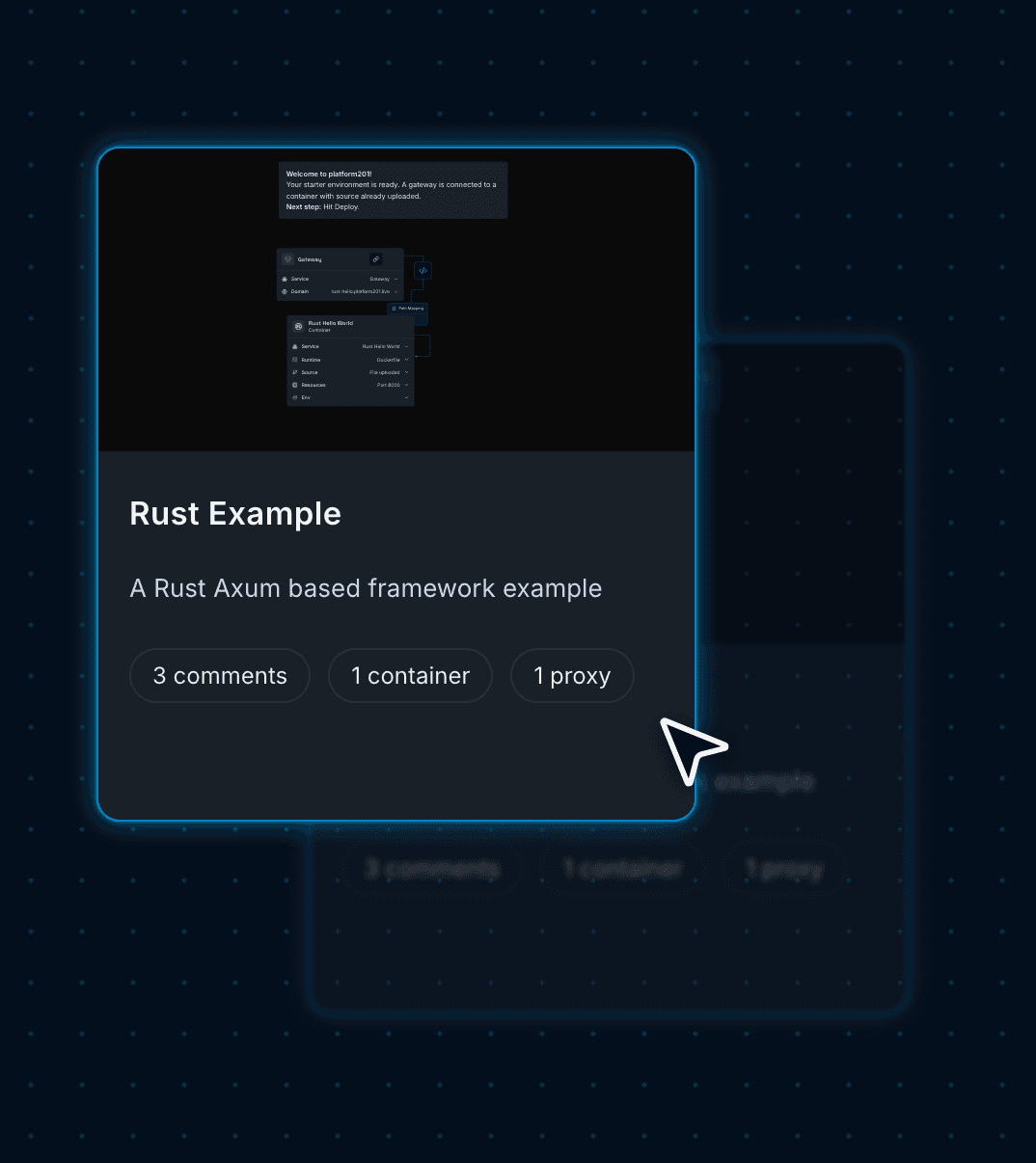
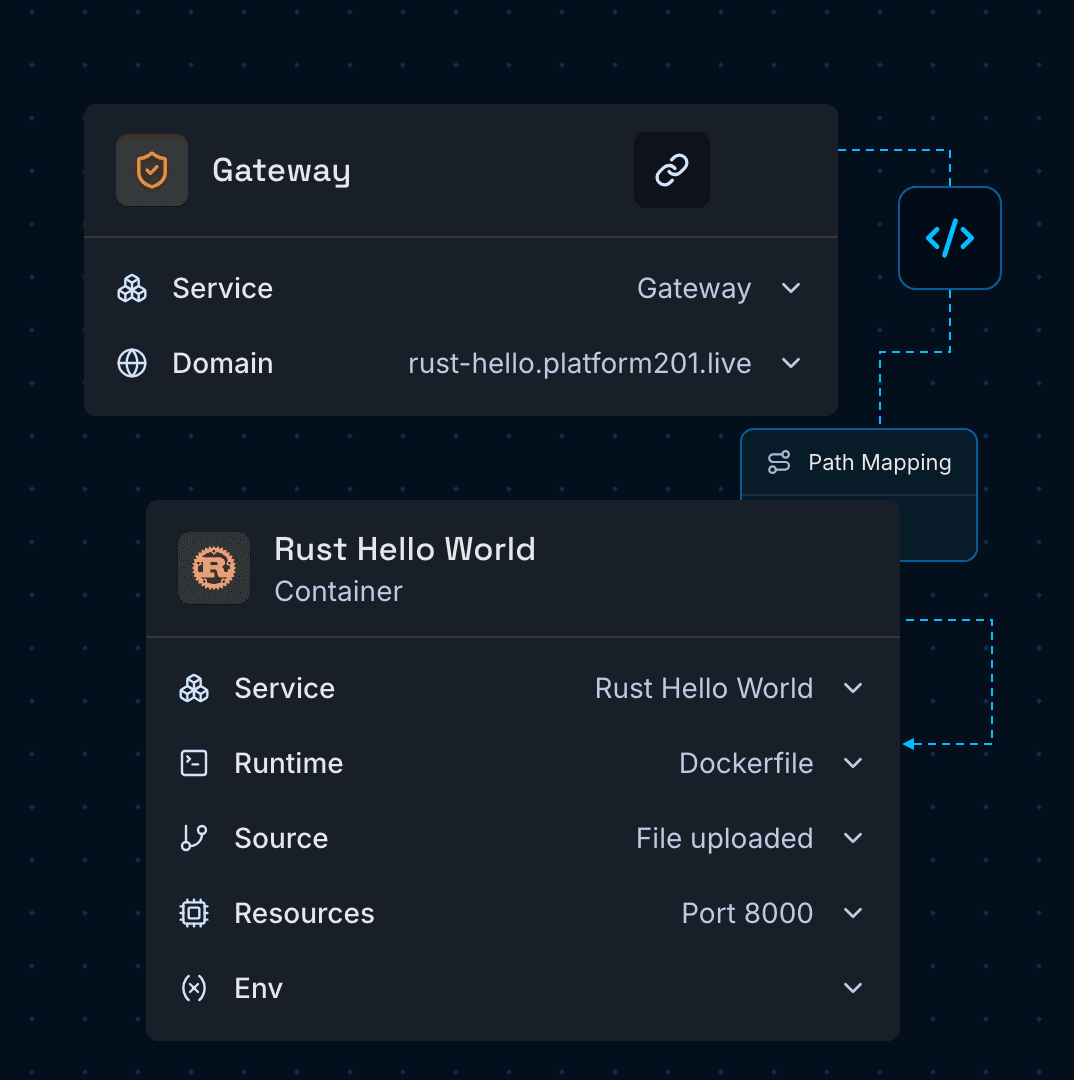
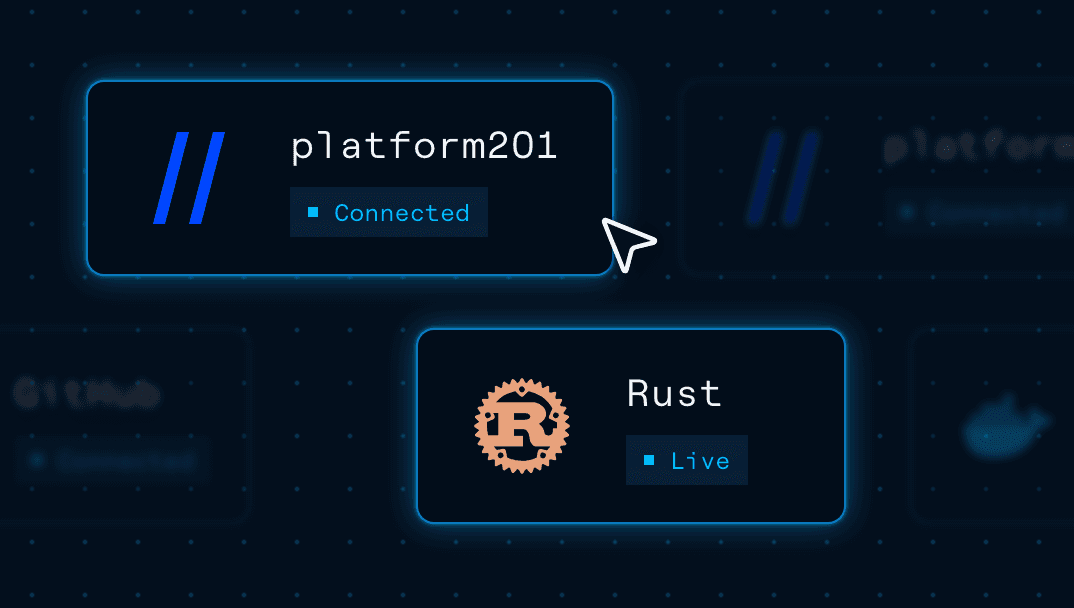
platform201 turns cloud infrastructure into a visual graph. Each node is a running service; each line a connection that lets two services talk.
Gives your service a public HTTPS address and forwards each request to the container.
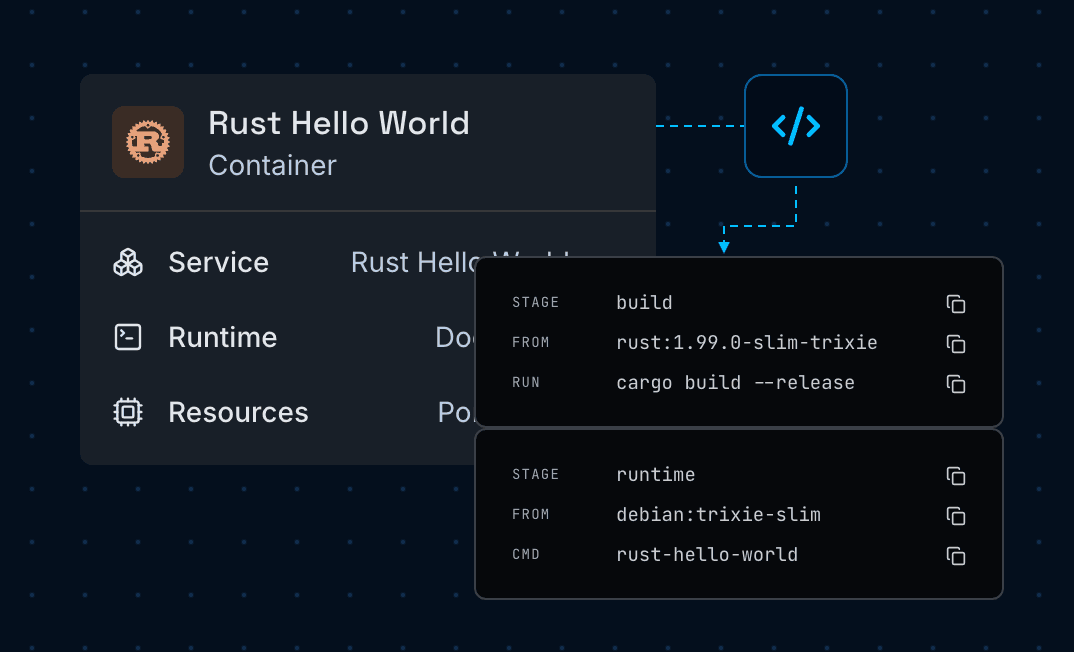
Builds your Axum app from its Dockerfile and runs the binary on port 8000.
Compiles a release build, then copies one binary into a slim Debian image. The page and logo are built in, so there are no files to ship alongside it.
Sends security headers on every response and shuts down gracefully when the platform stops the container.
Use the Rust Web App blueprint to run fast, memory-safe services with a small
footprint and zero DevOps configuration.
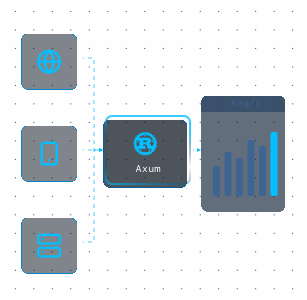
Serve heavy request volumes on modest CPU and memory with Axum and Tokio's async runtime.
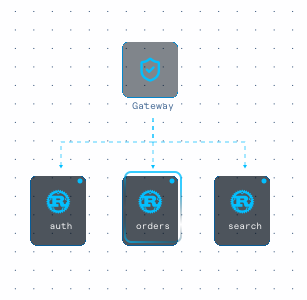
Run small, focused Rust services side by side behind a single gateway on one graph.
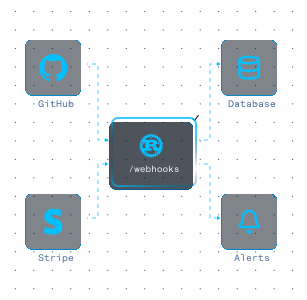
Accept events from GitHub, Stripe, and other providers, then store or forward them.
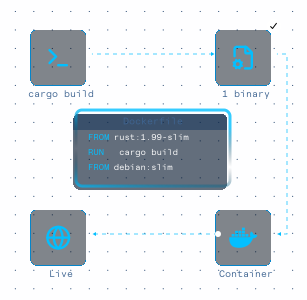
Ship one self-contained binary in a slim image, with no runtime or static files to manage.
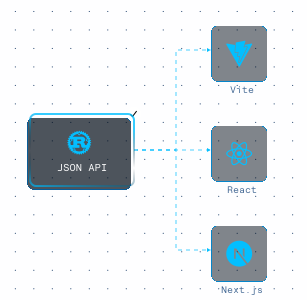
Serve a CORS-ready JSON API to Vite, React, or Next.js frontends running on other origins.
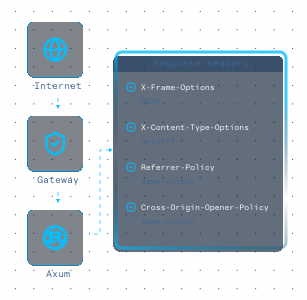
Start with security headers on every response and graceful shutdown already in place.
Deploy a working Axum service first, then swap in your own code with a visual
setup flow that keeps infrastructure and domain routing simple.
Press Deploy and the Gateway and Rust container go live from the pre-loaded example code.
Your service is up at its platform201.live address. Add /api/hello?name=you to see the JSON endpoint.
In the container, connect a GitHub repo or upload your own Cargo project along with its Dockerfile.
Keep your server listening on the PORT variable, then add any environment variables your service needs.
On the Domains page, add a hostname you own, then publish the two CNAME records it gives you at your DNS provider. Once they resolve, your certificate is issued.
Merge future changes to your GitHub branch and hit Deploy to publish them.
Your Rust service is now live behind the Gateway, running as a single binary in a slim container.
Next you might add a database, a message queue, or another service. You place each one on the same graph and connect it to what's already there. The whole setup stays in plain sight.

Start with a working Axum blueprint, connect your repository, and deploy on
Google Cloud with a single binary, health checks, and HTTPS handled for you.
Rust 1.99 with Axum 0.8 on the Tokio runtime. The build runs with --locked against Cargo.lock, so every deploy compiles the exact dependency versions you tested.