
ShoalStack is now

ShoalStack is now
Start from a working Django app that serves a page and a JSON API. Gunicorn, static files,
and a secure gateway are already wired up, so you can skip straight to building.
Django gives you the framework. Getting it online is usually the slow part.
Production servers, static files, allowed hosts, and HTTPS each want an afternoon of setup.
This blueprint hands you a Django app already running on production-grade infrastructure. Deploy it first, then make it yours.
 A server-rendered Django websiteA starting point for JSON APIsA foundation for internal tools and dashboardsA template for Python web services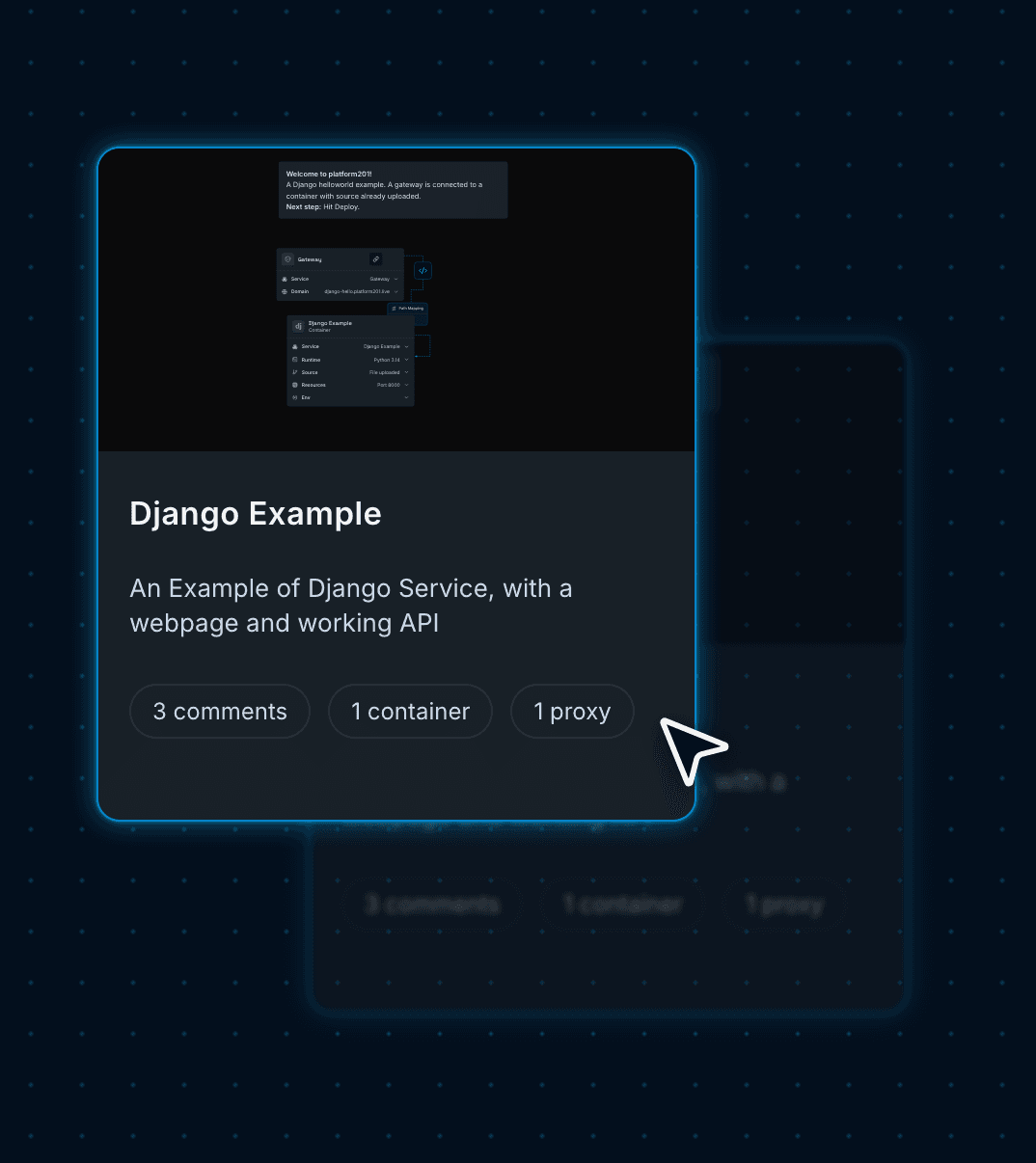
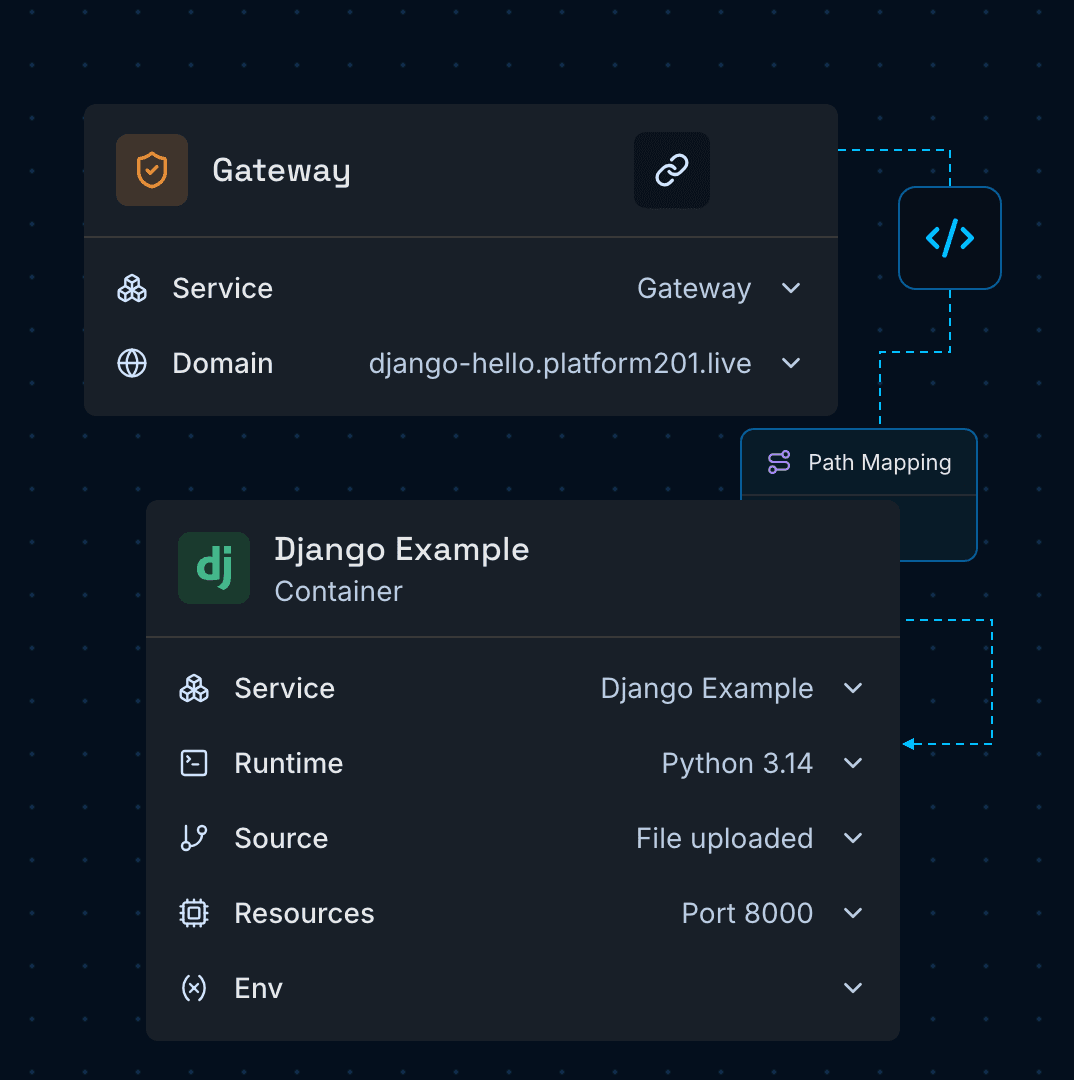
platform201 turns cloud infrastructure into a visual graph. Each node is a running service; each line a connection that lets two services talk.
Gives your app a public HTTPS address and forwards each request to the container.
Runs your Django app with gunicorn on Python 3.14, listening on port 8000.
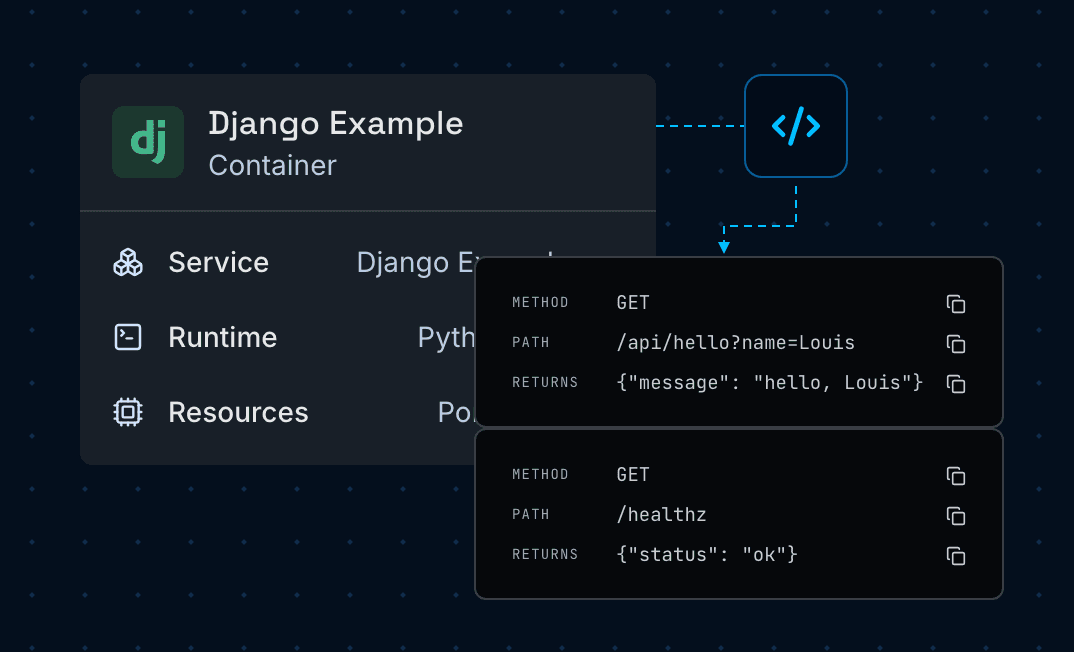
Serves a hello world page on / and JSON from /api/hello, with a /healthz check for uptime probes.
Collects static files at build time and serves them from the app, with no separate file host to set up.
Use the Django Web App blueprint to launch server-rendered sites, JSON APIs,
and data-driven apps on infrastructure you control.
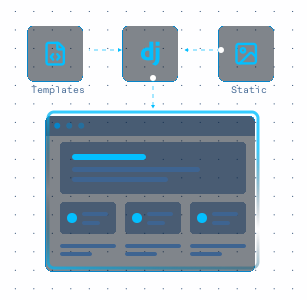
Render pages with Django templates and serve their static assets from the same app.
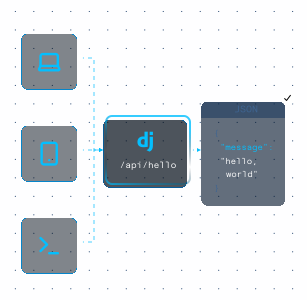
Expose JSON endpoints to web, mobile, and command-line clients from a single service.
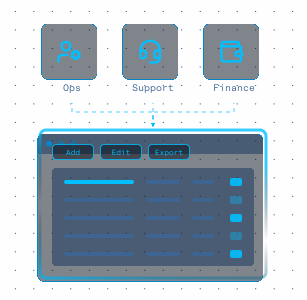
Build admin panels and team dashboards that live on your own domain and cloud.
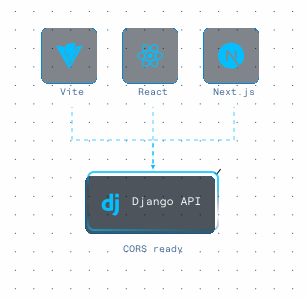
Serve a CORS-ready API to Vite, React, or Next.js frontends running on other origins.
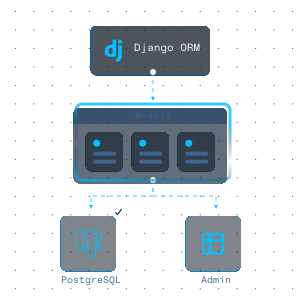
Add a Postgres node to the graph and manage your data with Django's ORM and migrations.
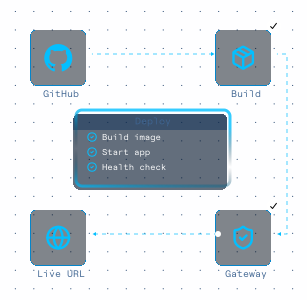
Go from repository to a live URL in minutes, with health checks and a gateway in place.
Deploy a working Django app first, then swap in your own code with a visual
setup flow that keeps infrastructure and domain routing simple.
Press Deploy and the Gateway and Django container go live from the pre-loaded example code.
Your app is up at its platform201.live address. Add /api/hello?name=you to see the JSON endpoint.
In the container, connect a GitHub repo or upload your own Django project in place of the example.
Add DJANGO_SECRET_KEY and DJANGO_ALLOWED_HOSTS, and keep gunicorn listening on the PORT variable.
On the Domains page, add a hostname you own, then publish the two CNAME records it gives you at your DNS provider. Once they resolve, your certificate is issued.
Merge future changes to your GitHub branch and hit Deploy to publish them.
Your Django app is now live behind the Gateway, served by gunicorn with its static files handled for you.
Next you might add a Postgres database, a background worker, or a scheduled job. You place each one on the same graph and connect it to your app. The whole setup stays in plain sight.
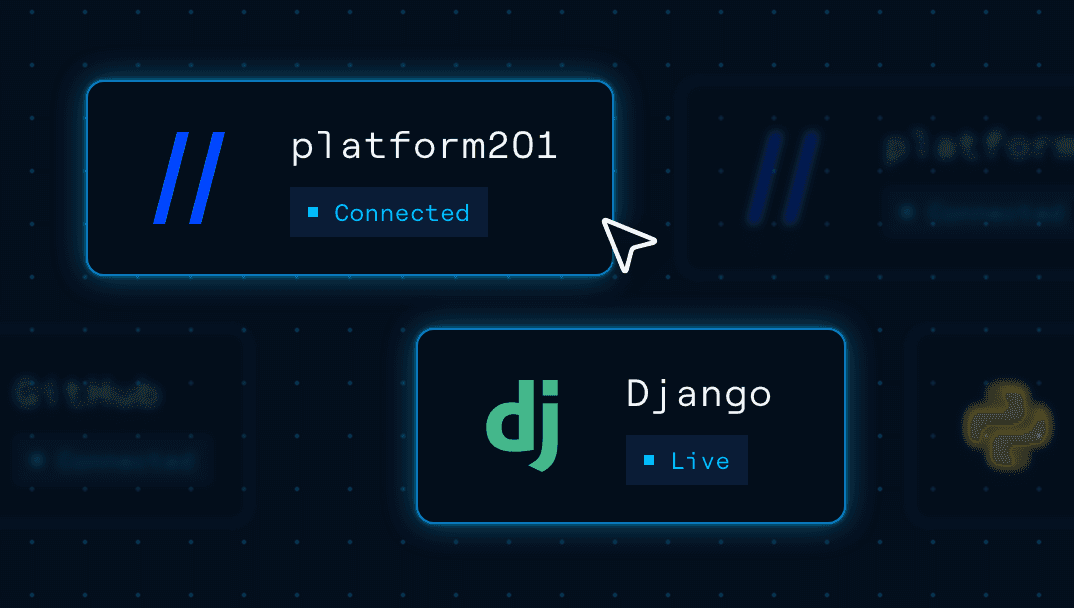

Start with a working Django blueprint, connect your repository, and deploy on
Google Cloud with gunicorn, static files, and HTTPS handled for you.
Django 6.1 on Python 3.14, served in production by gunicorn with WhiteNoise handling static files. The versions are pinned in requirements.txt, so you upgrade them on your own schedule.