
ShoalStack is now

ShoalStack is now
Start from a working upload app with a Next.js frontend, a Go API, and a private Cloud
Storage bucket. The bucket is created for you and wired straight to your backend.
Storing user files sounds simple until you open the cloud console.
Buckets, service accounts, key files, and access rules all have to line up before a single upload works.
This blueprint lines them up for you. The bucket is created, kept private, and its name handed to your backend at runtime.
 A file upload and download serviceA starting point for document storageA foundation for media and asset librariesA template for apps that need private storage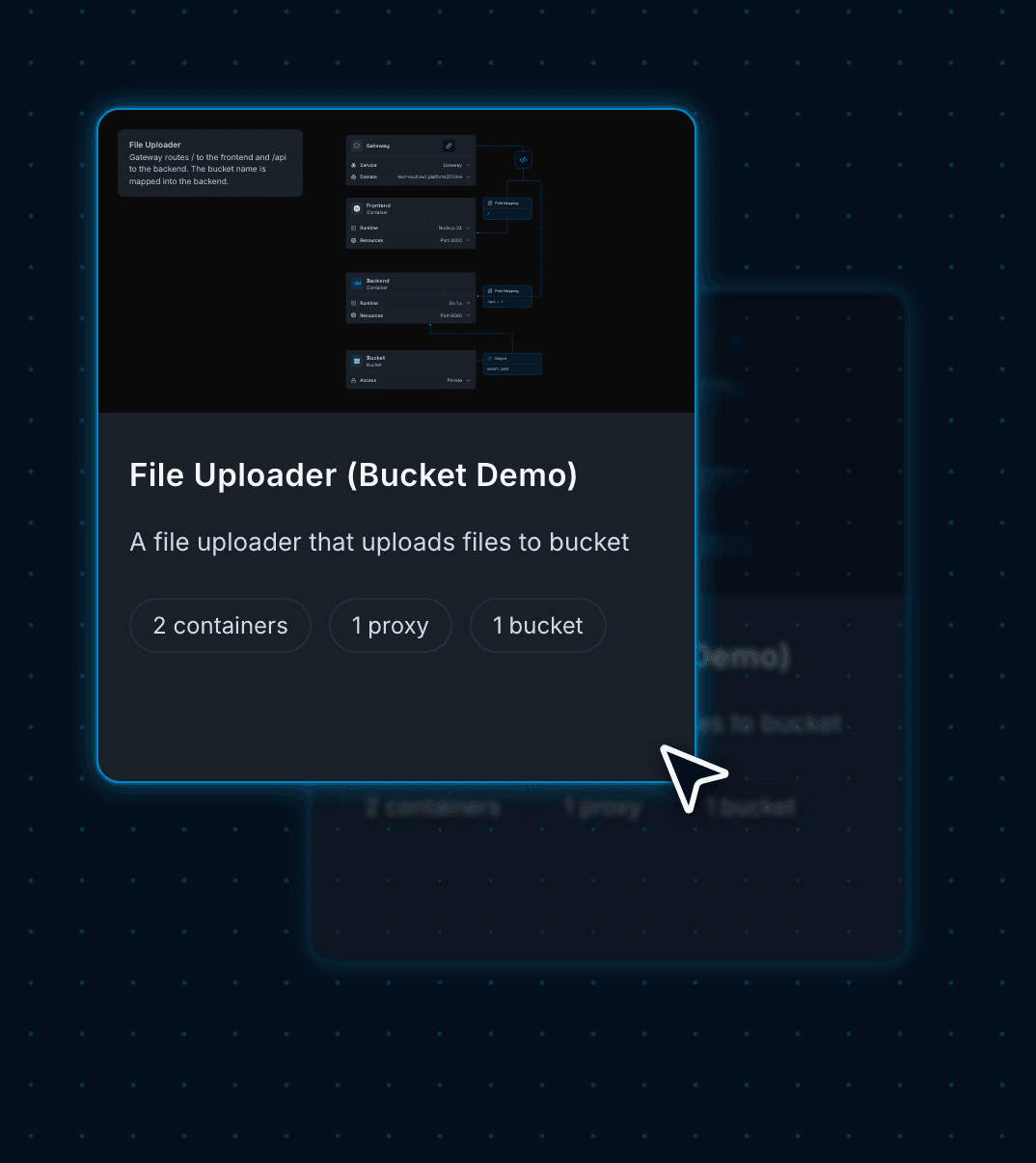
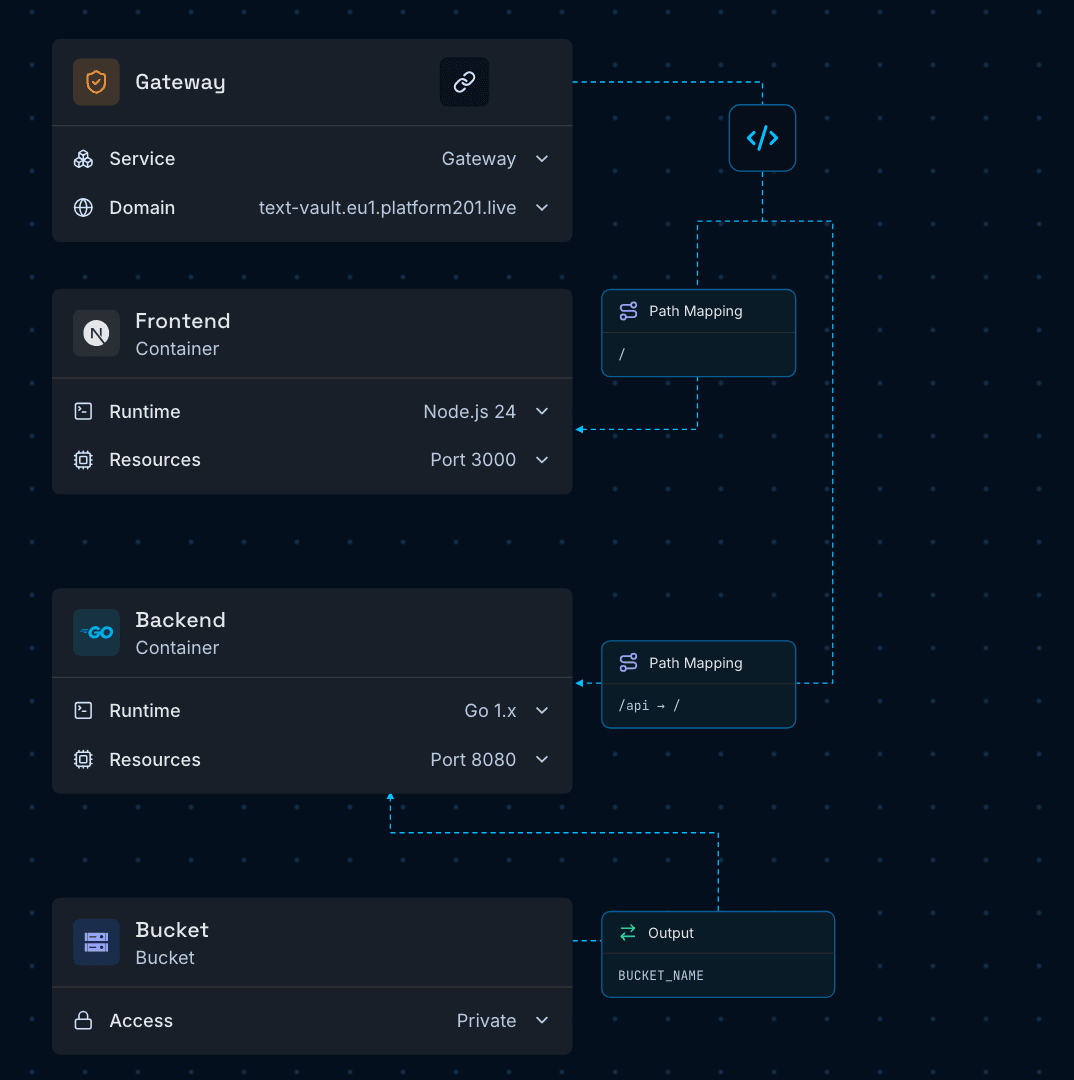
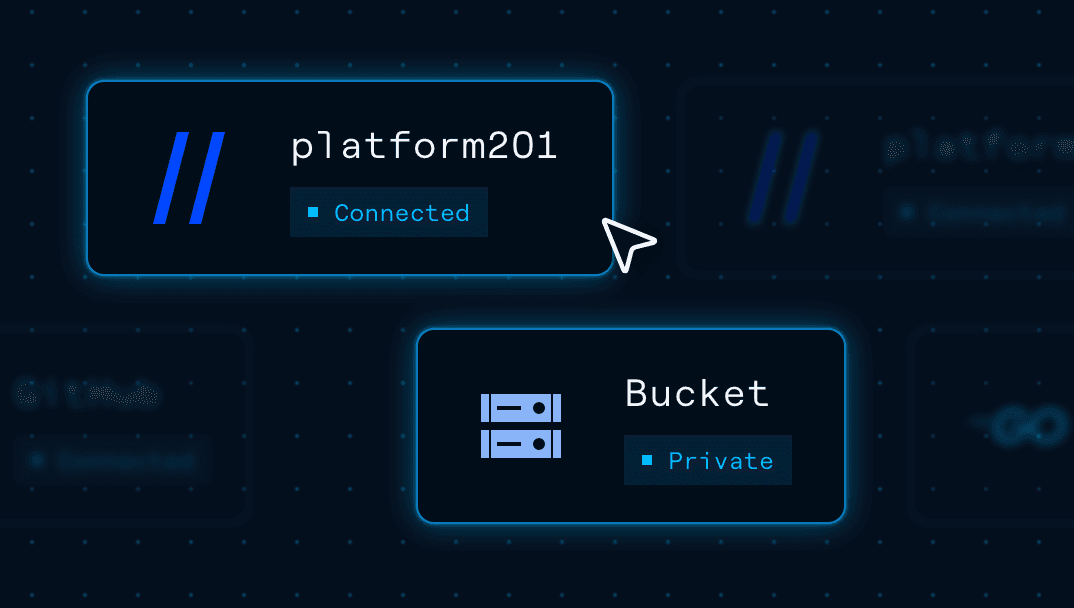
platform201 turns cloud infrastructure into a visual graph. Each node is a running service; each line a connection that lets two services talk.
Serves the frontend on / and forwards every /api request to the backend, all on one domain.
A Next.js page for uploading and browsing files, and a Go API that reads and writes the bucket.
A Cloud Storage bucket that only your backend can reach. The browser never talks to it directly.
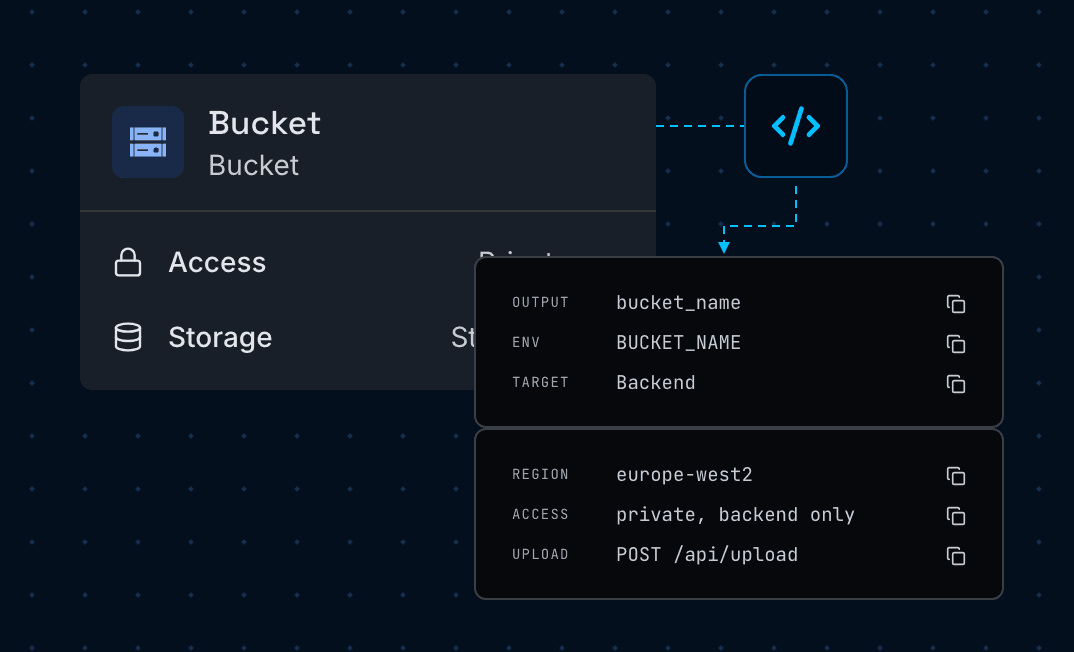
The bucket's name reaches the backend as BUCKET_NAME, with no credentials or key files to manage.
Use the File Uploader blueprint to store and serve files from a private bucket
without ever touching cloud credentials.
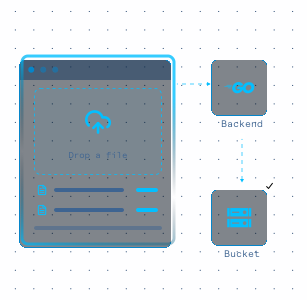
Let users drop files onto a page and store them straight in your bucket through the API.
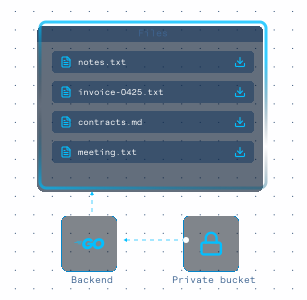
List, browse, and download stored files from a simple page backed by private storage.
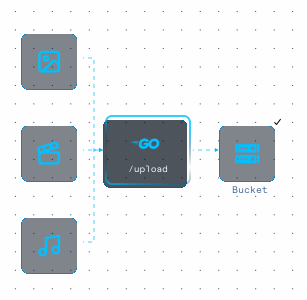
Keep images, video, and audio in Cloud Storage instead of on your app's own disk.
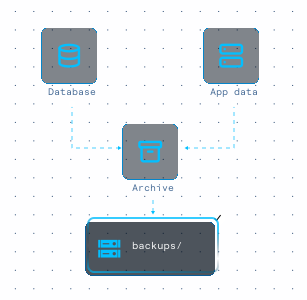
Point database dumps and app exports at a bucket that's already created and secured.
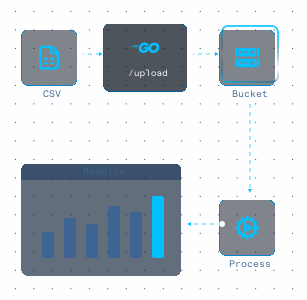
Accept CSV and other uploads, store them safely, and hand them off for processing.
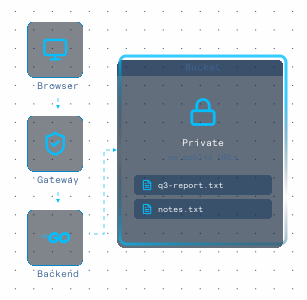
Serve files only through your backend, so nothing in the bucket is publicly exposed.
Deploy a working upload app first, then swap in your own code with a visual
setup flow that keeps storage and routing simple.
Open the blueprint and give the Gateway a domain name. Your app will live at that address.
Press Deploy. The bucket, both containers, and the Gateway are created and wired together.
Open your platform201.live address and drop a file onto the page, or send it to /api/upload.
Swap in your own frontend or backend from GitHub or an upload. The backend keeps reading BUCKET_NAME.
On the Domains page, add a hostname you own, then publish the two CNAME records it gives you at your DNS provider. Once they resolve, your certificate is issued.
Merge future changes to your GitHub branch and hit Deploy to publish them.
Your upload app is now live, with every file flowing through your backend into a private bucket.
Next you might add a database for file details, a scheduled cleanup job, or a worker that processes new uploads. You place each one on the same graph and connect it to what's already there. The whole setup stays in plain sight.

Start with a working upload blueprint, connect your repository, and deploy on
Google Cloud with a private bucket, routing, and HTTPS handled for you.
In a Google Cloud Storage bucket that the blueprint creates for you in europe-west2 (London), on the Standard storage class. Only your backend can read or write it.