
ShoalStack is now

ShoalStack is now
Forget complicated configs. Skip to the part where it all just works. This blueprint puts your website on
your own domain, with the SSL certificate issued and renewed for you.
Ready to launch, or ready to migrate from your current host?
The usual routes are a paid platform like Vercel or a weekend in the Google Cloud console.
This blueprint skips both. Your website goes live on production-grade infrastructure, set up and free.
 No load balancer and proxy setup.No provisioning servers by hand.No scripting your container builds.No writing security rules from scratch.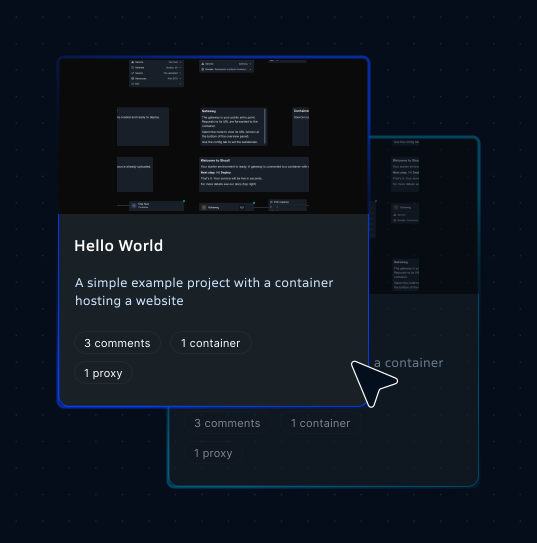
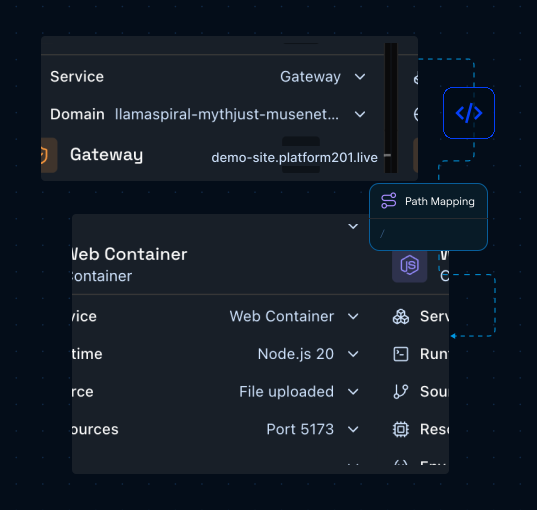
platform201 turns cloud infrastructure into a visual graph. Each node is a running service; each line a connection that lets two services talk.
Takes in visitor traffic, holds your SSL certificate, and keeps external threats away.
Runs your website from your GitHub repo or uploaded files, on the runtime and port you choose.
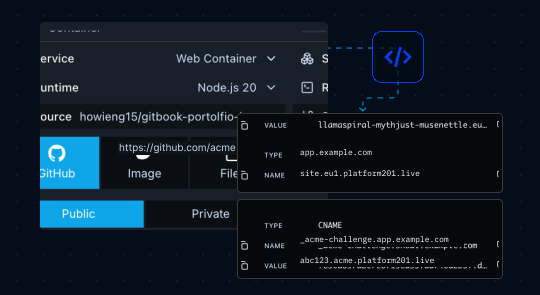
Pulls your website's code from GitHub each time you hit Deploy, with no files to upload by hand.
Points your own domain or subdomain at the Gateway through two CNAME records, HTTPS included.
Use the Website Hosting blueprint to launch fast, secure websites and
web applications with zero DevOps configuration.

Launch high-converting marketing websites with automatic HTTPS and custom domain support.

Host your developer portfolio, personal projects, or blog on a dedicated cloud endpoint.
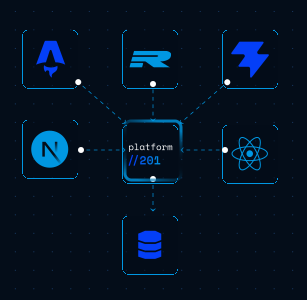
Deploy Next.js, Astro, Remix, Vite, or React applications with framework-appropriate port settings.
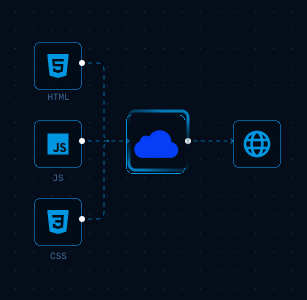
Host HTML/CSS/JavaScript builds with fast asset delivery and reliable global reliability.
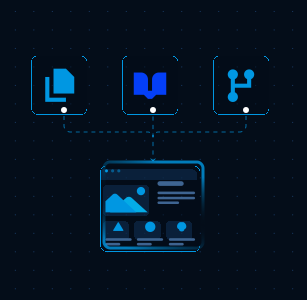
Publish technical docs, product guides, and public changelogs under your own brand domain.
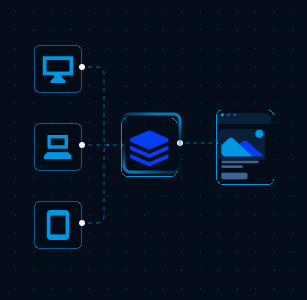
Ship client websites and prototypes quickly without setting up manual GCP load balancers.
Move from repository to a live custom-domain website with a visual setup flow
that keeps infrastructure and domain routing simple.
In the Web Container, connect a GitHub repo, upload a ZIP or folder, or use a container image.
Choose your language and version, like Node.js 24, then set your app's port and environment variables.
Press Deploy and follow the build from queue to live.
Your website is up at its platform201.live address, ready to share before you touch DNS.
On the Domains page, add a hostname you own, then publish the two CNAME records it gives you at your DNS provider. Once they resolve, your certificate is issued.
Merge future changes to your GitHub branch and hit Deploy to publish them.
Your website is now live with the Gateway routing its traffic and a certificate that renews on its own.
Next you might add an API, a database, or a scheduled job. You place each one on the same graph and connect it to what's already there. The whole setup stays in plain sight.
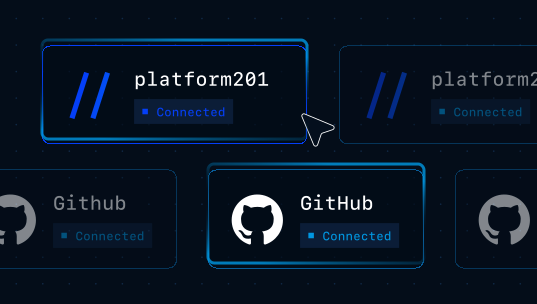

Start with a working website hosting blueprint, connect your repository, and deploy on
Google Cloud with your custom domain and SSL certificates handled for you.
Like many hosting platforms, platform201 runs on top of one of the big cloud providers. In our case that's Google Cloud, one of the three largest in the world and home to the production systems of many large companies. You deploy and manage your website through platform201, without ever opening the Google Cloud console.