
ShoalStack is now

ShoalStack is now
This blueprint includes a producer, a consumer, a Gateway, a message queue, and a PostgreSQL
database for building order pipelines that stay responsive while writes catch up.
This blueprint provides a working e-commerce checkout and delivery pipeline that accepts orders quickly, processes them asynchronously, tracks status in real time, and provides a live delivery dashboard.
 A queue-backed order pipelineA starting point for producer and consumer servicesA foundation for event-driven applicationsA template for high-throughput write paths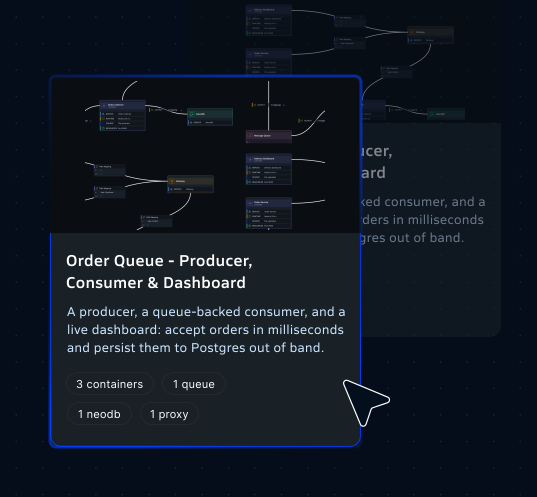
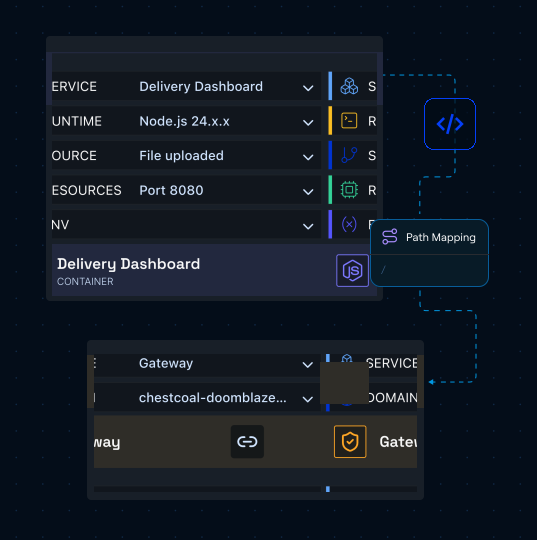
This blueprint combines a Gateway, a message queue, three containers, and a PostgreSQL database that are already connected and configured, giving you a complete event-driven architecture that can be customized for your own services and workflows. platform201 deploys every component into a GCP solution and wires the services to the queue and the database.
Routes incoming dashboard and API traffic to the correct container behind a shared public endpoint.
Displays order and delivery status in real time, serving the frontend where orders are placed and tracked.
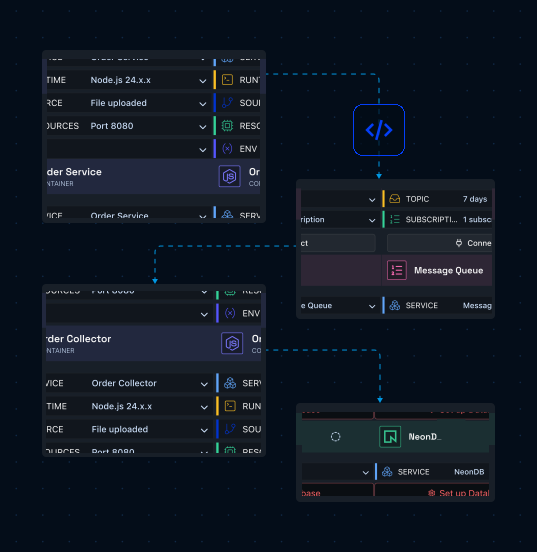
Receives and validates incoming orders, placing each one onto the queue immediately to keep API response times fast.
Buffers orders for reliable asynchronous processing, holding messages on the topic until the consumer is ready.
Consumes queued orders in the background, writes each record to PostgreSQL, and serves status back to the dashboard.
Stores processed orders and delivery state in a persistent database that updates out of band as messages arrive.
Use the Order Queue blueprint to build order pipelines, event-driven services, or
applications that keep accepting requests while the writes behind them catch up.
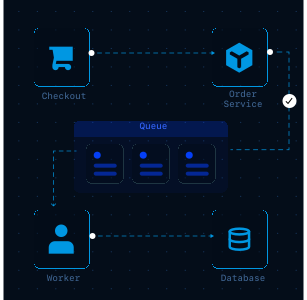
Accept orders quickly and persist them from a separate worker.
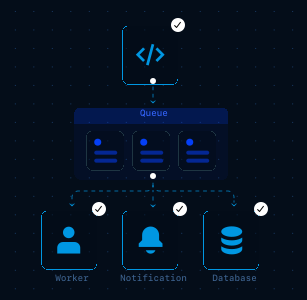
Publish an event once and let independent consumers react to it.
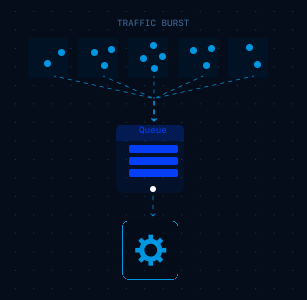
Hold bursts in the queue instead of pushing them at the database.
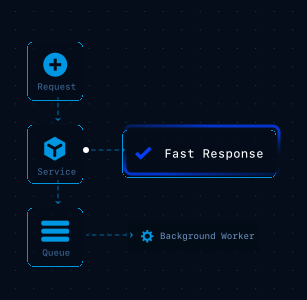
Move slow work off the request path and into a background worker.
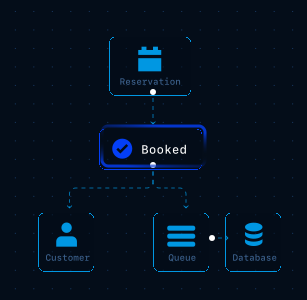
Record bookings and transactions without blocking the customer.
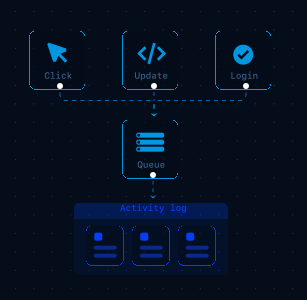
Capture each action as a message and write it down in order.
Move from code to a running backend with a visual setup flow that keeps services,
connections, and deployment easier to manage.
Create a new project in platform201 to get started.
Open your environment and select Browse Blueprints to view available deployment templates.
Choose the Order Queue blueprint to automatically generate the required components and connections.
Configure and select an existing PostgreSQL database or create a new one. The DATABASE_URL environment variable will be automatically populated at container build.
Set how long the topic retains a message and configure the subscription for the consumer.
Choose the domain your users will hit. The Gateway routes traffic to the producer, consumer, and dashboard.
Click Deploy and let platform201 handle the cloud configuration, networking, and service wiring.
Open the dashboard, submit an order, and watch it process through the queue into PostgreSQL in real time.
Once deployed, platform201 provisions the Gateway domain, creates the topic and its subscription, and connects all three services to the queue and the PostgreSQL database they share.
You can immediately test the delivery flow using the open-source example from the platform201 message queue demo, or customize it with your own producer and consumer logic.
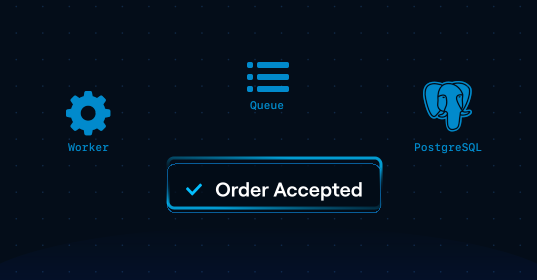

Start with a working order pipeline, swap in your own producer and consumer, and deploy a
queue-backed architecture without manually configuring Google Cloud infrastructure.